See plans

Guides

IPTV UK guides

Ten guides built from the questions UK homes send us most: getting a device ready, finding your way round the channels and the TV guide, keeping the picture smooth on match nights and working out what it all costs.

Streaming stick plugged into a TV that shows an IPTV player, with its remote beside itGuide

IPTV UK on a Firestick

Fire TV Stick, 4K Max or Cube: install a player, enter the login, set the picture and keep the stick cool and quick.Read the guide →
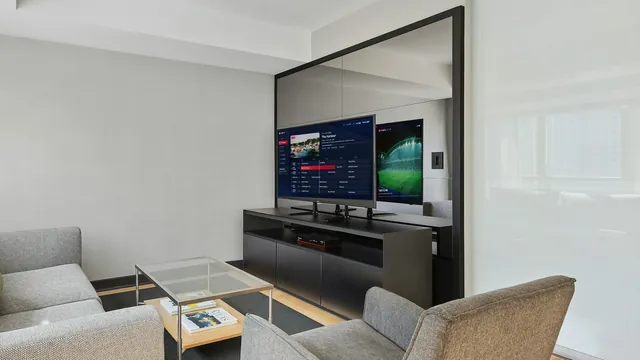
Wall-mounted smart TV showing the 7-day guide of an IPTV playerGuide

IPTV UK on a Smart TV

Samsung, LG, Android and Google TV sets: which player each one takes, how the login is linked and the settings to change.Read the guide →
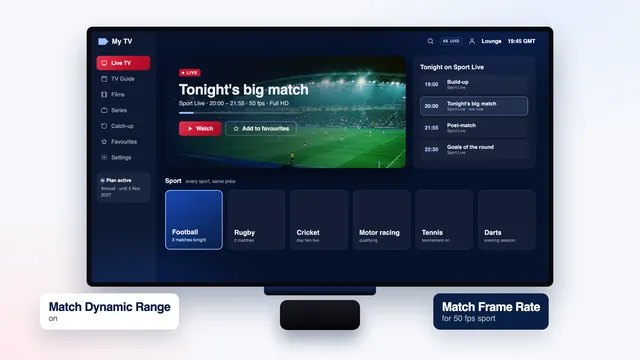
Media box under a large TV that shows the sport screen of an IPTV playerGuide

IPTV UK on Apple TV

Apple TV 4K, iPhone and iPad: players from the App Store, frame rate and range matching, and why Ethernet beats Wi-Fi.Read the guide →
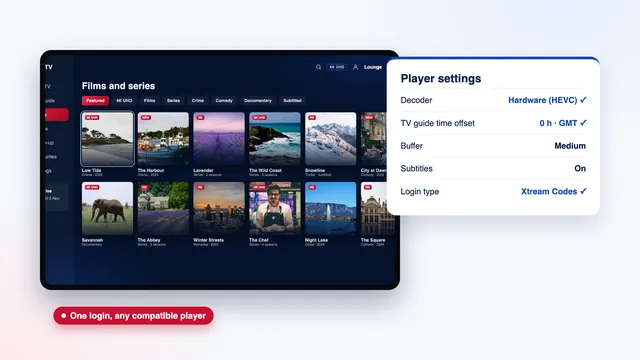
IPTV player on a tablet beside its settings: hardware decoder, guide time offset and bufferGuide

IPTV UK app: which player

The players that read our access, what each does well, the look-alike apps to avoid and why we never ship an APK.Read the guide →
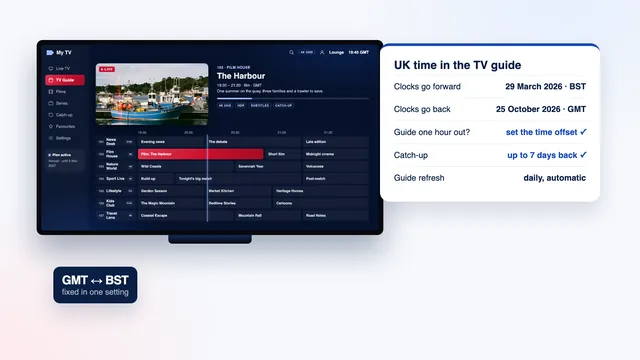
TV guide of an IPTV player beside the UK clock-change dates between GMT and BSTGuide

IPTV UK EPG: the TV guide

Load the 7-day guide, fix wrong times after the clocks change between GMT and BST, and use catch-up from the grid.Read the guide →
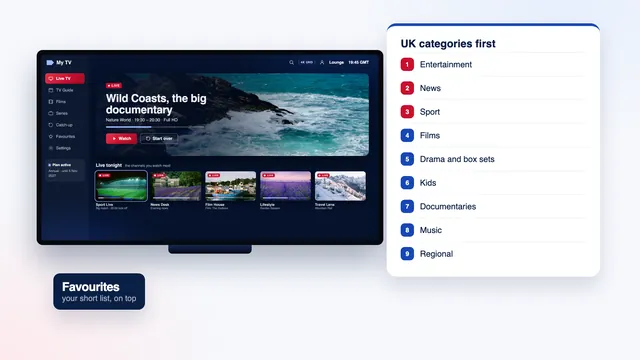
IPTV player on a TV beside the list of channel categories, UK firstGuide

IPTV UK channels and categories

How the channel list is organised, the UK categories first, then by country, and how to build a short favourites list.Read the guide →
Bright lounge with a live match on the wall-mounted TV through an IPTV playerGuide

IPTV UK sports: live at 50 fps

Kick-off-proof sport: 50 frames per second, the broadband it needs at peak time, the delay behind broadcast and the right settings.Read the guide →
Two TVs side by side, one showing the TV guide and the other a live matchGuide

IPTV UK on multiple devices

One screen or two at once: what a plan allows, how to move between the lounge, the bedroom and a phone, and what stops a stream.Read the guide →
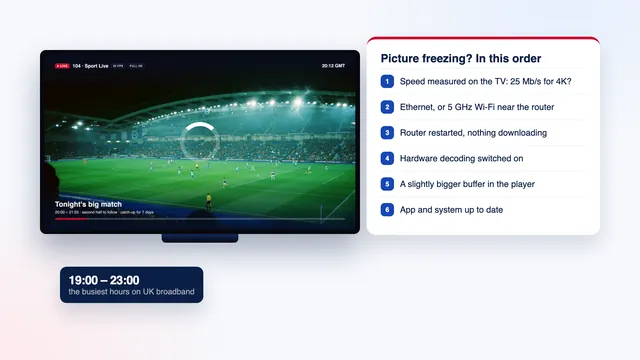
Paused match on a TV beside the checklist to follow when an IPTV picture freezesGuide

IPTV UK buffering: what to check

Wi-Fi, cables, the router, the player buffer and the busy evening hours: the checks that stop a picture freezing, in order.Read the guide →
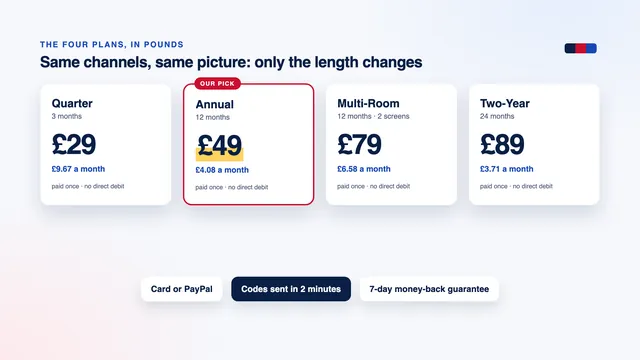
The four plans with their price in pounds and per monthGuide

IPTV UK cost per month and per day

What each plan costs per month and per day in pounds, how that compares with a pay-TV contract and the costs nobody mentions.Read the guide →

Where to start

Three ways into the guides

Each guide stands on its own. These routes help when you already know what you need.

Method

How these guides are written and checked

Each guide starts from questions the team answers every week. Menus are followed on the device itself; if a manufacturer or an app developer moves a setting, the paragraph is rewritten and the check date at the top changes.

Every guide names the menu as it appears on the screen in front of you, gives the numbers that matter (speed per screen, minutes, days of catch-up) and says plainly where a setting depends on the model or the year of your TV. Where a feature only exists in some players, the guide says which ones offer it at the time of writing instead of promising it everywhere.

The prices quoted in the guides are worked out from the four plans in pounds, so a change of price shows up on every page at the same time. Nothing in the guides depends on a lifetime offer or a monthly direct debit, because we sell neither.

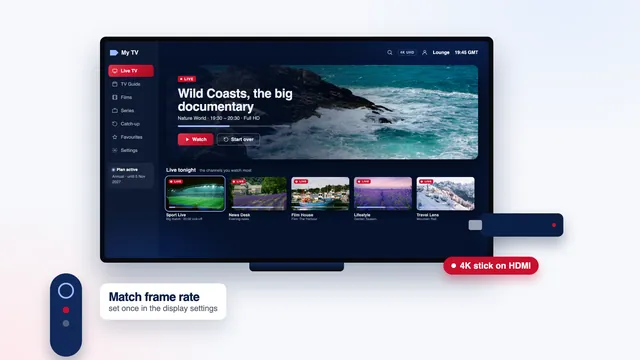
For the whole route from login to picture on one page, start with IPTV UK setup, device by device; to compare lengths and screens before you order, see the IPTV UK plans.

  • One topic per guide
  • Menus followed on the device
  • Prices worked out from the plans
  • Check date shown on every guide

UK TV on your screen tonight: login within 2 minutes

Pick a plan, pay once in pounds and your codes leave within 2 minutes. If no picture appears on any of your screens despite our help, the 7-day guarantee refunds you.